See what you've been missing.
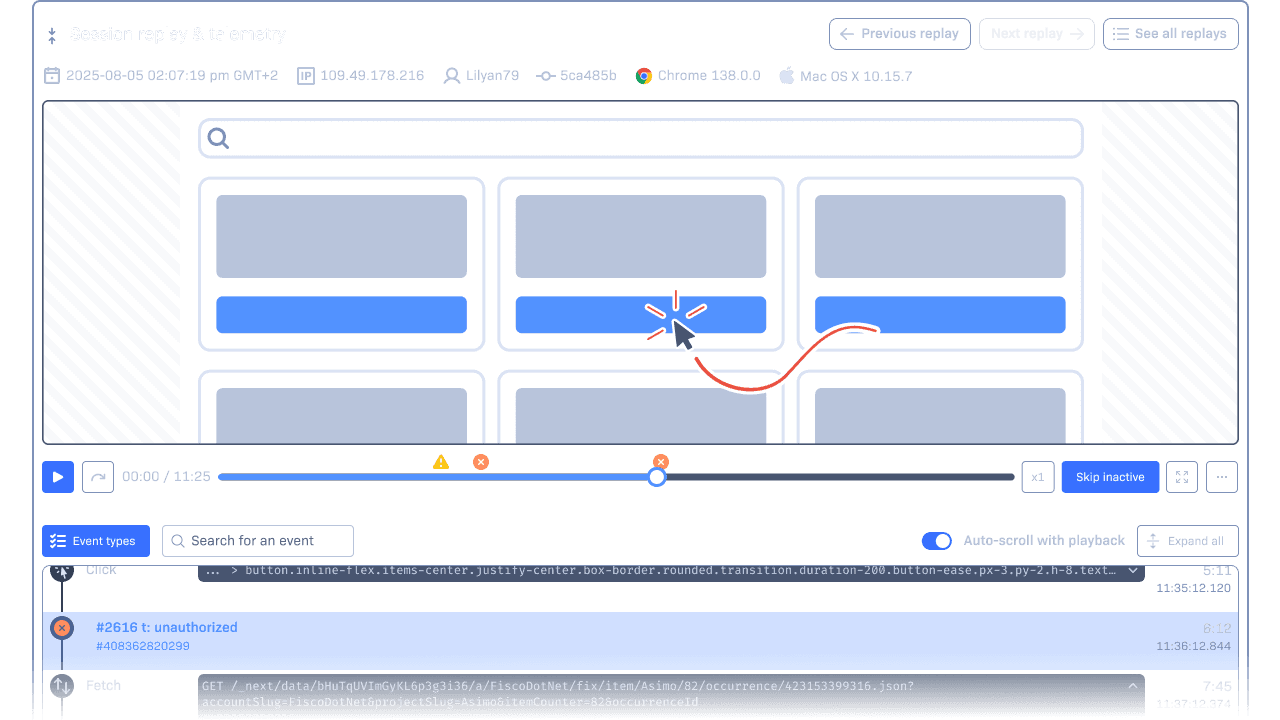
Stack traces tell you what broke. Session Replay shows you how. It captures clicks, scrolls, inputs, and DOM changes so you can see the full experience behind the error. You’ll spot misclicks, layout issues, and timing bugs without having to recreate steps or ask users to explain.

Trigger recordings when you need them. On errors, user paths, or custom events.

Replays appear right in your error details.

Get context for the sessions that matter, not everything.
Hit play and see what’s important.
Session Replay shows you what actually happened before an error, so you’re not stuck guessing. With full control over when sessions are recorded, what events are captured, and how sensitive data is handled, you’ll spend less time reproducing bugs and more time resolving them.
See exactly what the user saw.
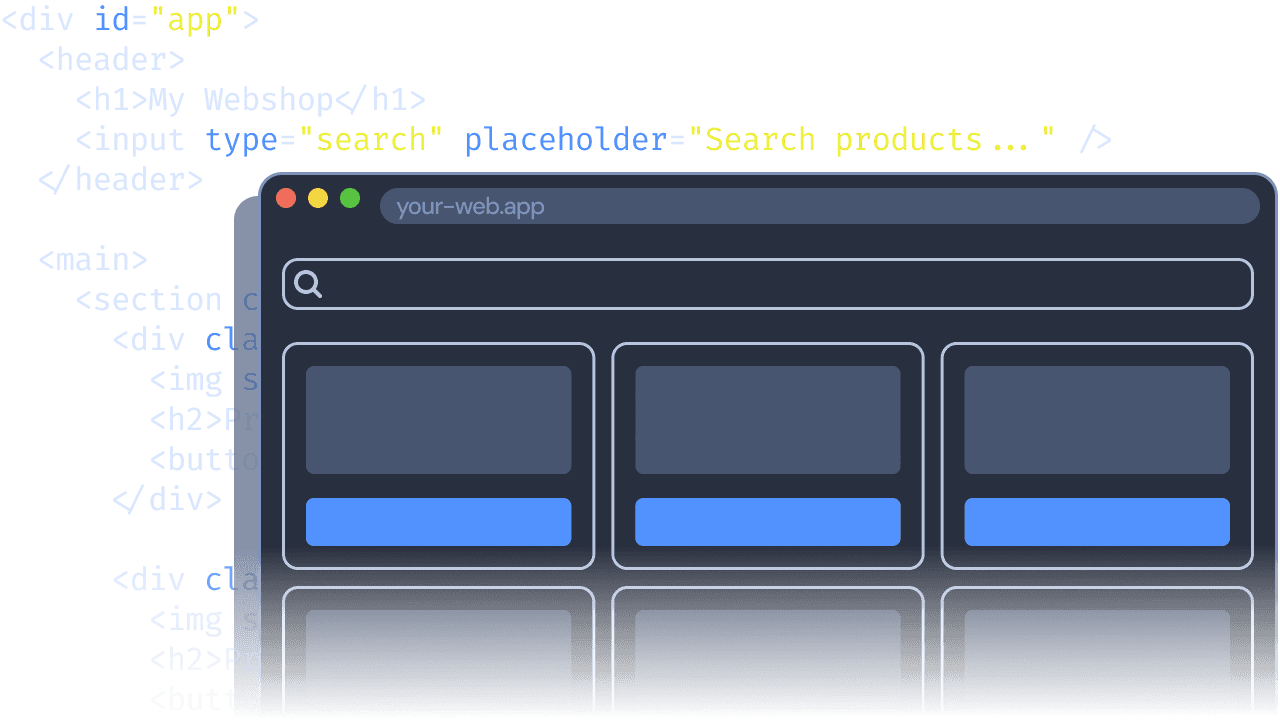
DOM snapshots capture the full page structure and content at the moment of the error, so you can spot layout issues, missing elements, and broken UI states right away.
Understand how the bug unfolded.
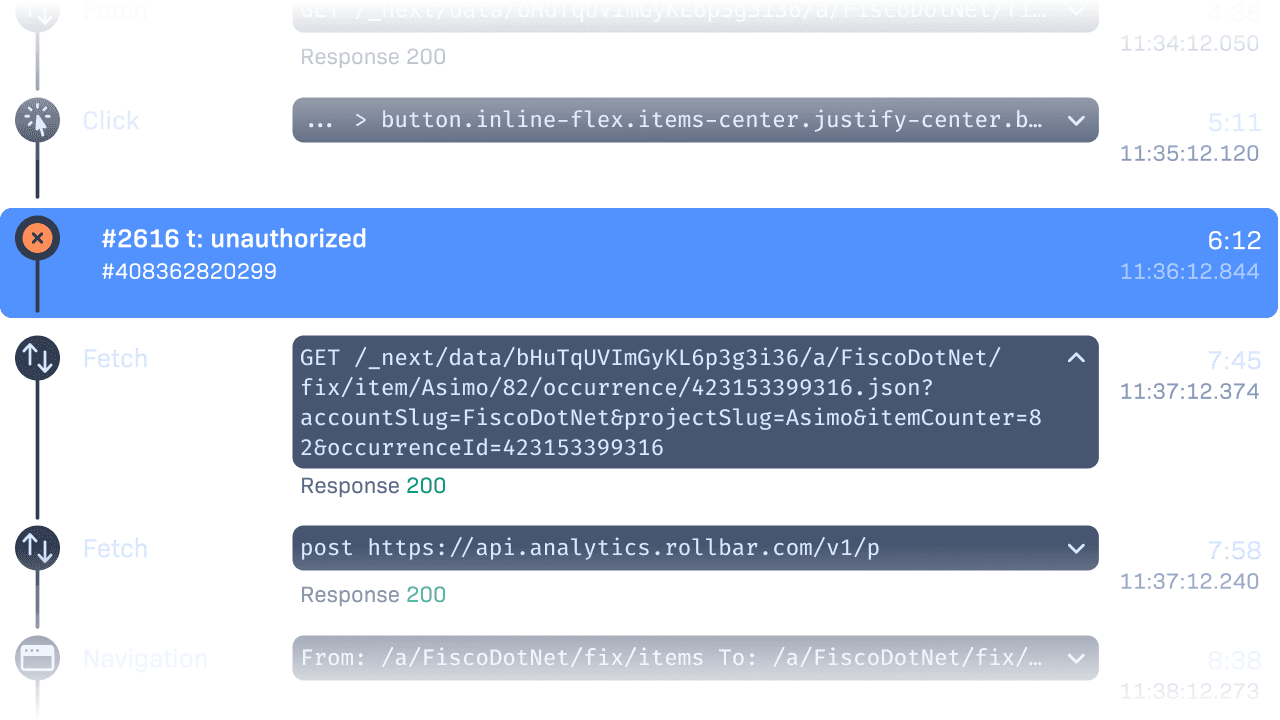
The event timeline tracks user actions, including clicks, inputs, and navigation, as well as console messages and captured errors. You’ll see a clear sequence of what happened and when.
Record sessions that matter to you.
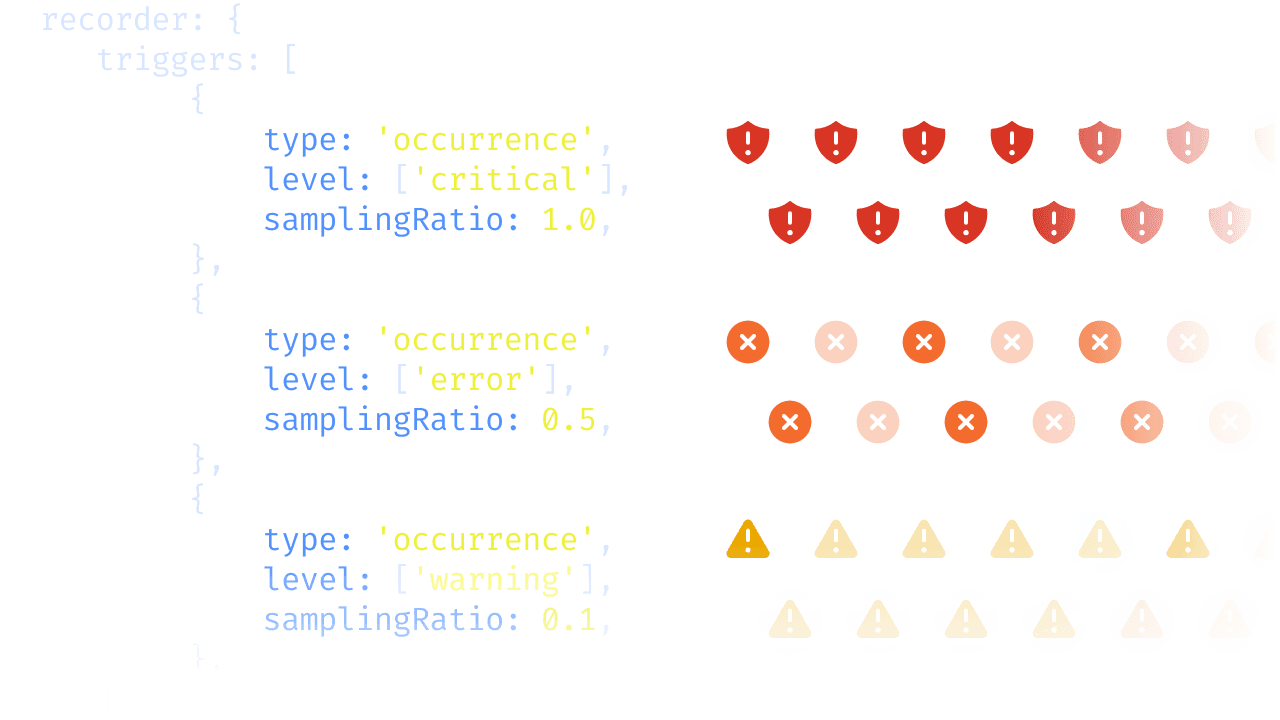
Configure Replays to trigger on errors, specific routes, warning levels, or even manual calls. Set custom sampling and duration rules to match your use case without overwhelming your team or your budget.
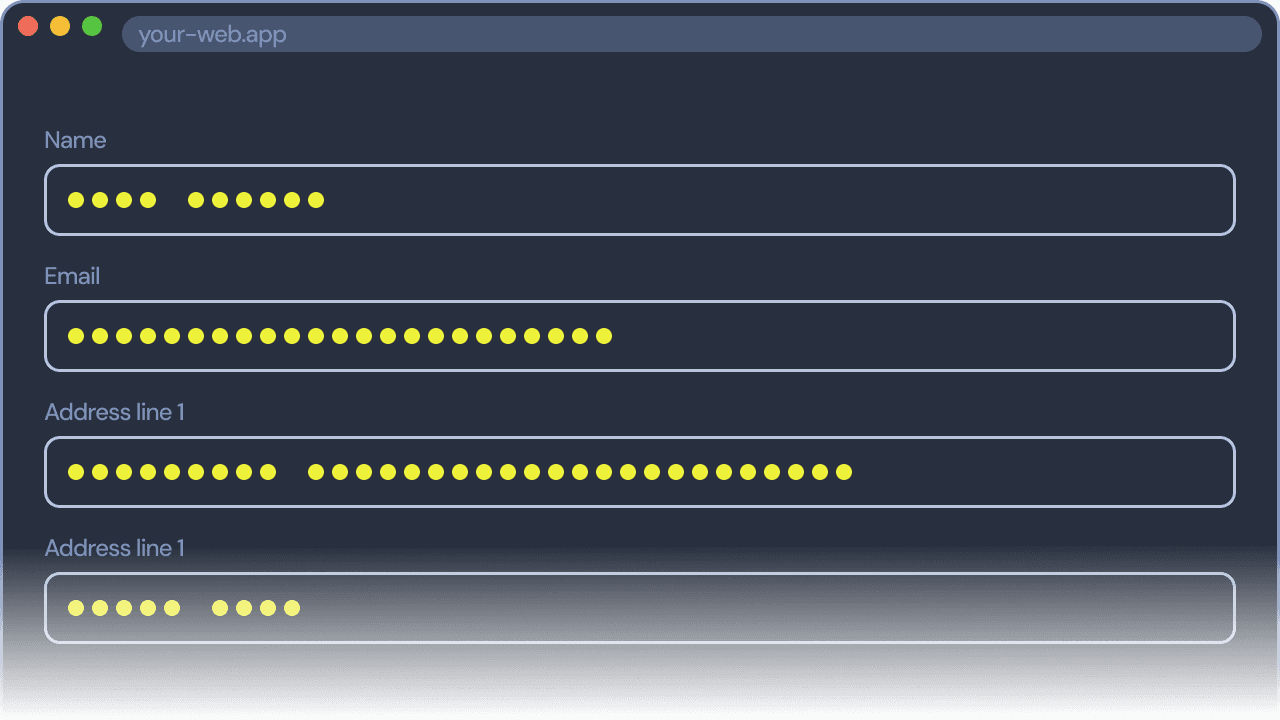
Privacy, built in.
Use privacy classes to mask or exclude inputs, forms, and DOM elements. You control what gets captured, ensuring user data stays private and compliant.
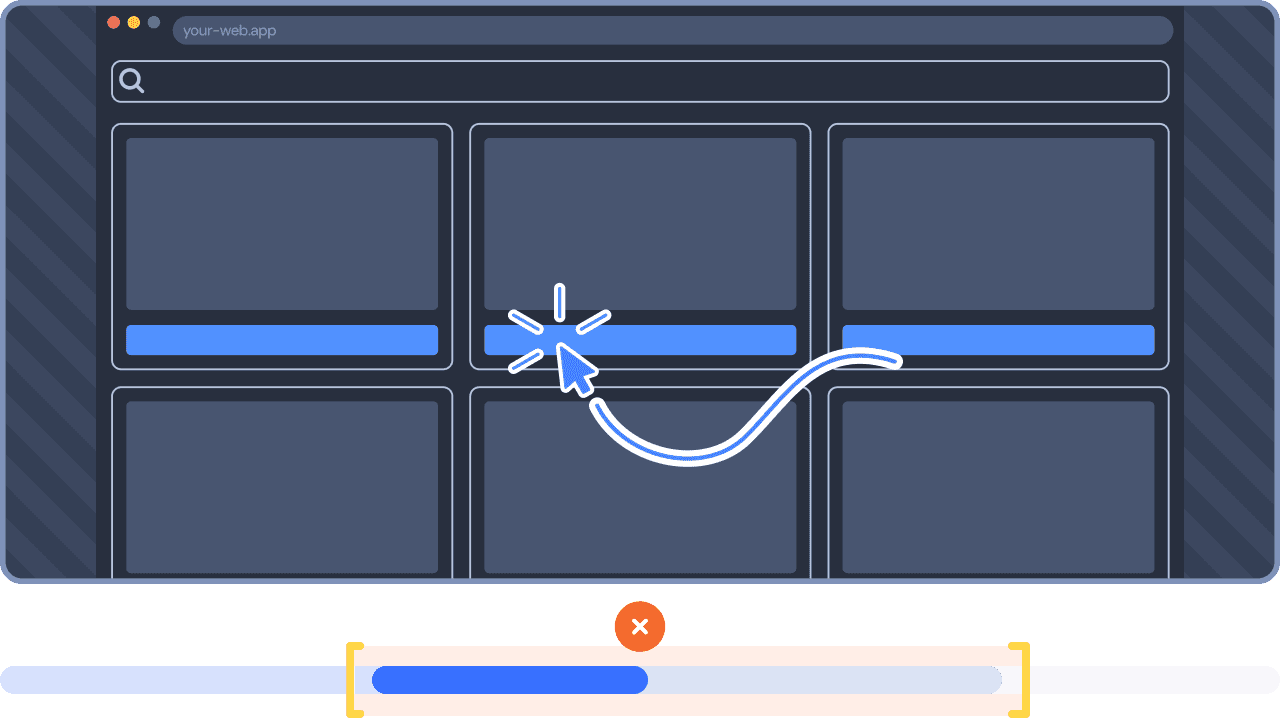
Replay what's important.
Configure pre- and post-durations to keep your replays concise and relevant by automatically trimming what doesn’t matter. Get a clear view of what happened before and after an error without cycling through full sessions.
Session replay that speaks your language.
Session Replay is built for developers who are already deep in the work of debugging. It adds visual context to the same places you investigate errors, like stack traces, deploy history, and code metadata. Whether you’re new to Rollbar or already set up, Replay meets you where you’re already looking, so you can understand what happened and why, all in one view.
Start with what matters most.
Session Replay is enabled by default for new errors, so you see the issues that need attention without adding noise. Configure additional triggers any time you need broader coverage.
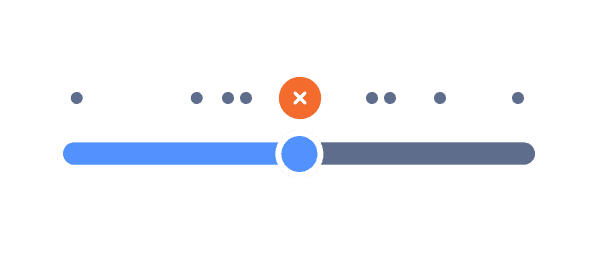
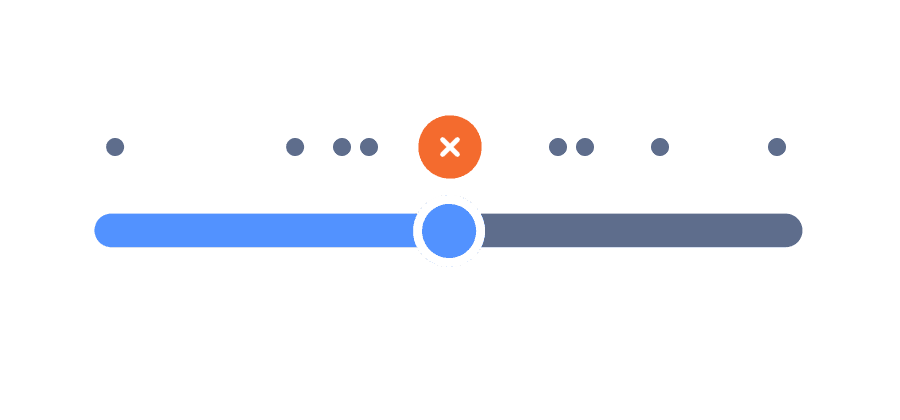
See what your stack trace missed.
Some problems don’t show up in stack traces. Understand user behavior by seeing what they did before and after the bug appeared.
Stay in your debugging flow.
Session replays are built directly into the Item Detail page, right where you investigate errors. No switching tabs. No extra tools.
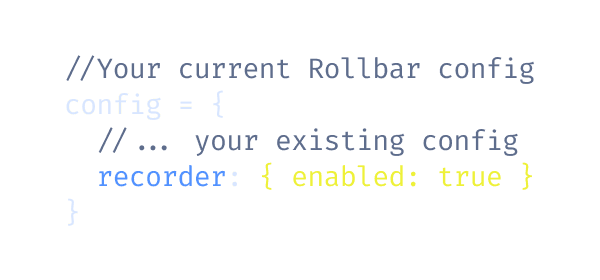
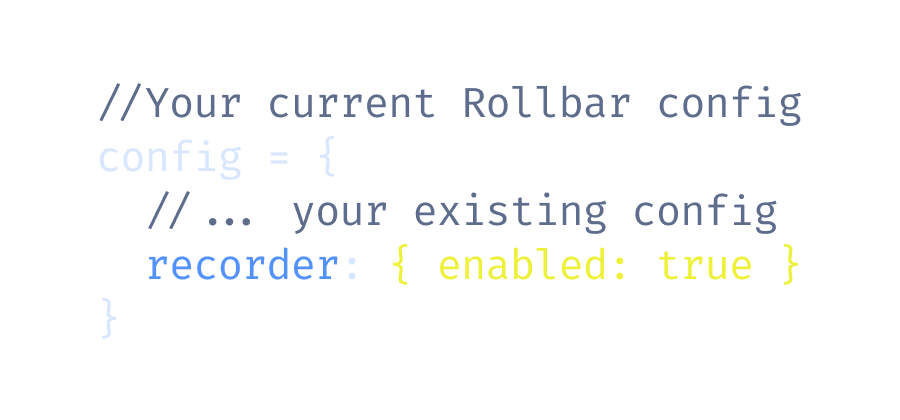
Install with one line.
Works with your existing Rollbar setup and automatically links to new occurrences.
See what your errors look like.
Understand the moments that led to each error by seeing what your users saw.
5K occurrences + 1K replays free per month
14-day full access trial
Easy and quick installation